Unleash

Unleash

  • Documentation
  • Deploy and manage
  • Integrations
  • Contribute
  • API
  • Enterprise
  • Help

›Advanced

Getting started

  • Introduction
  • Connect your SDK
  • Client SDK
  • Create a feature toggle
  • Activation Strategies
  • Control rollout
  • Projects
  • Unleash Context
  • Working with native apps
  • Working with single page apps

Working with the SDK

  • Java SDK
  • Node SDK
  • .net SDK
  • GO SDK
  • Python SDK
  • Ruby SDK

Addons framework

  • Addons Introduction
  • Webhook
  • Slack
  • Jira commenter

Advanced

  • Strategy Constraints
  • Custom Activation Strategy
  • Feature Toggle Types
  • Feature Toggle Variants
  • Archived toggles
  • The audit log
  • API Access
  • Tagging Features

The audit log

When something is not working as expected it is important to be able to track what changed when, and who performed the change.

Audit log per feature toggle

Unleash comes with a audit log, available on a feature toggle level. You access the audit log via the “history” tab in the feature toggle view.
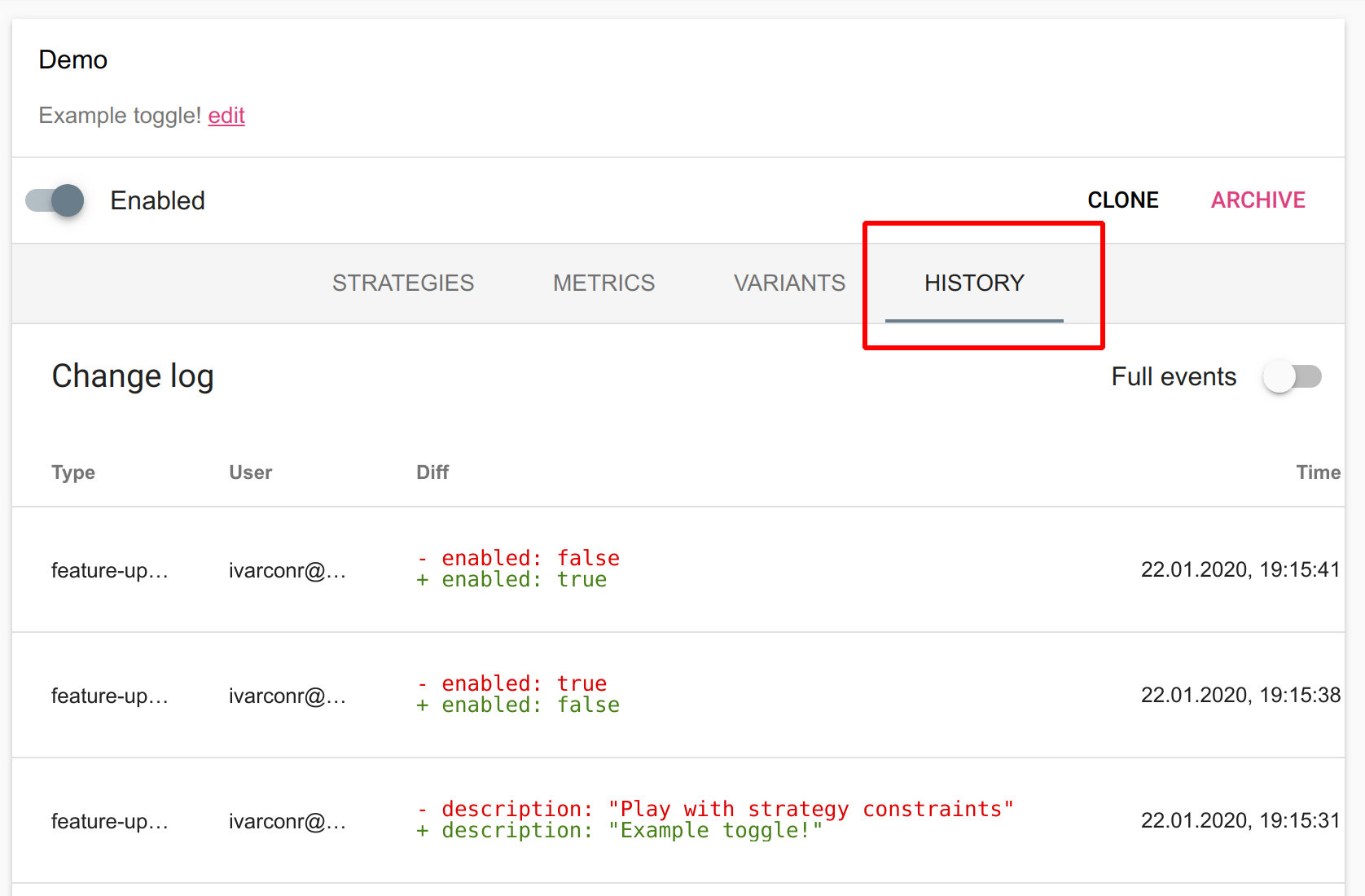
Audit log

Global Audit Log

Unleash also keeps an audit log across all toggles and activation strategies, tracking all changes. You access the global audit log via the “Event history”, which you can find in the drawer menu.
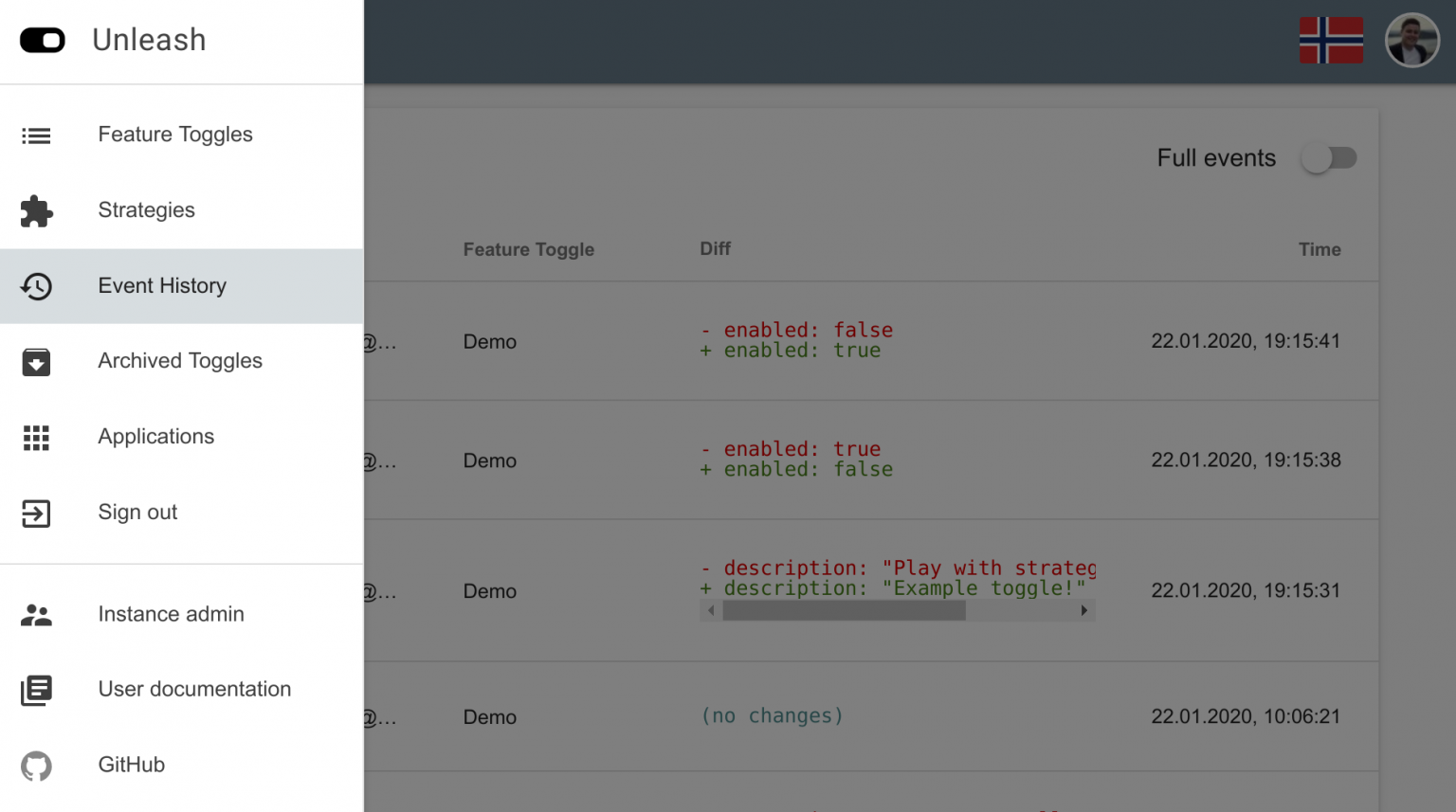
Global audit log

← Archived togglesAPI Access →
  • Audit log per feature toggle
  • Global Audit Log
Unleash
Docs
Getting StartedSecuring UnleashAPI Reference
Community
User ShowcaseSlack communityUnleash-hosted.comTwitter
More
GitHubStar